How to Set Up Your Baby Monitor for the Best View and Connection
How to Set Up Your Baby Monitor for the Best View and Connection
You've bought a baby monitor, unboxed it, and now you're staring at your nursery wondering where to put it. Proper placement and setup make the difference between a monitor that gives you peace of mind and one that frustrates you nightly. Here's how to set it up right.
Camera Placement
Wall-mounted vs. shelf-placed
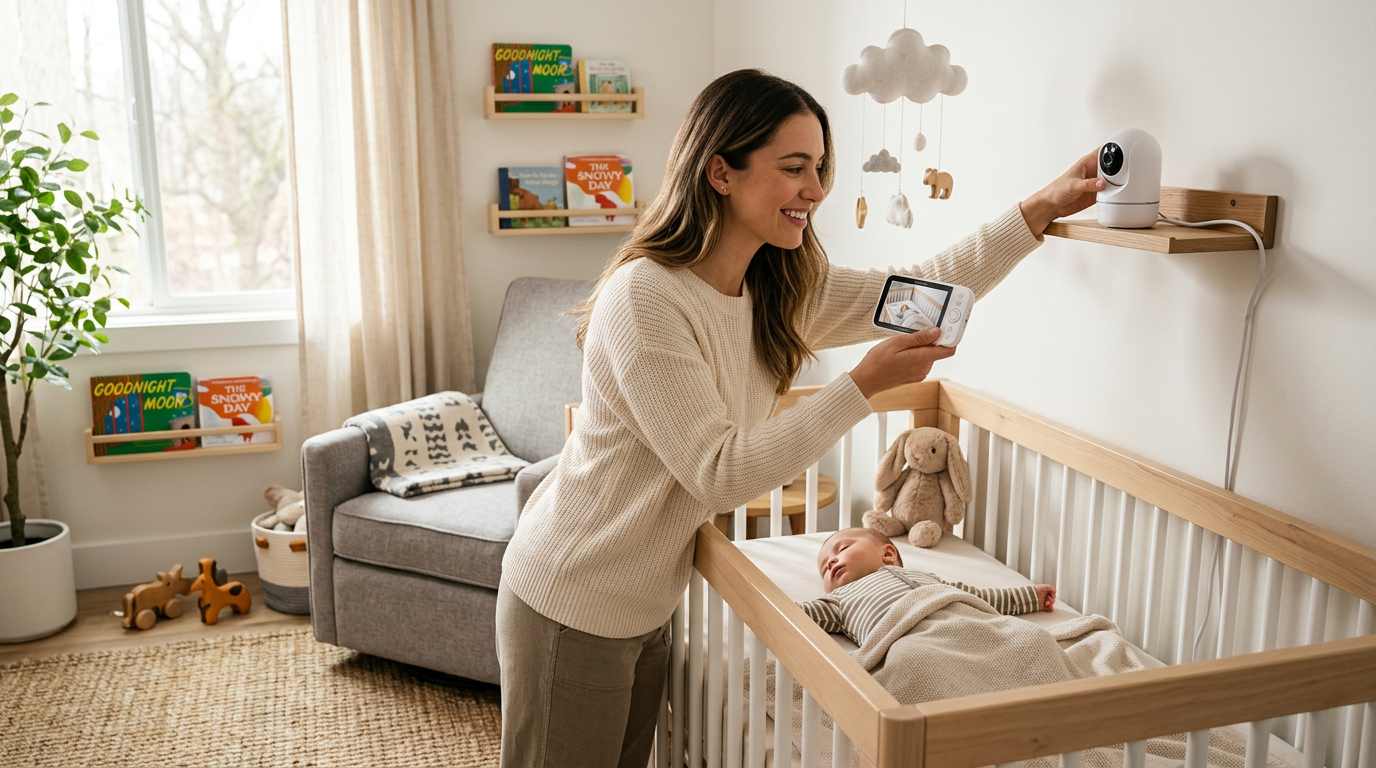
Most video monitors can be wall-mounted or placed on a shelf or dresser. Wall mounting gives a better angle (angled down toward the crib) and keeps the camera and cord completely out of baby's reach. Shelf placement is easier but requires careful cord management.
The ideal angle
Position the camera to capture the full crib from above and to the side. The Nanit Pro is designed for direct overhead mounting, which provides the best full-crib view. Side-mounted cameras should be angled to see baby's face and chest clearly.
Distance from crib
The camera should be at least three feet from the crib. This gives you a wide enough view of the entire sleep area and keeps the device safely away from baby. For cameras with zoom, being slightly further away gives you more flexibility.
Cord safety — this is critical
Camera cords are a strangulation hazard. The cord must be completely out of baby's reach — at least three feet from any crib edge. Use cord covers to run cables along the wall and baseboards. Never drape a cord across or near the crib, even temporarily. This is the single most important safety rule for monitor setup.
WiFi Monitor Setup
Most smart monitors like the Nanit Pro and Owlet cam connect through your home WiFi. A reliable connection prevents the most common complaints about smart monitors: lag, disconnections, and poor video quality.
Router placement
Your WiFi router's distance from the nursery matters. If the nursery is far from your router, consider a WiFi mesh system or extender to ensure strong signal in the room.
2.4GHz vs. 5GHz
Most baby monitors connect to the 2.4GHz WiFi band, which has better range but slower speeds than 5GHz. If your router broadcasts both on the same network name, the monitor should connect automatically. If you have separate network names, connect the monitor to the 2.4GHz network.
Bandwidth considerations
Video monitors stream continuously, using about 1-3 Mbps depending on video quality settings. If you have many smart home devices or limited internet bandwidth, consider reducing the monitor's video quality in the app settings to prevent buffering and disconnections.
Non-WiFi Monitor Setup
Dedicated monitors like the eufy SpaceView Pro use their own radio frequency connection. Setup is simpler — pair the camera with the parent unit following the manufacturer's instructions, and you're done. These monitors aren't affected by internet outages or WiFi congestion, which is a significant reliability advantage.
Range testing
Walk around your home with the parent unit to test range. Most claim 800-1000 feet, but walls, floors, and interference reduce real-world range. Test in all the spots you'll actually be — kitchen, living room, bedroom, yard.
Sound Settings
Volume and sensitivity
Set the monitor's sound sensitivity to a level that picks up crying but doesn't trigger on every rustle and sigh. Most parents start with high sensitivity and gradually decrease it as they learn the difference between sleep noises and wake-up cries.
Sound machine interference
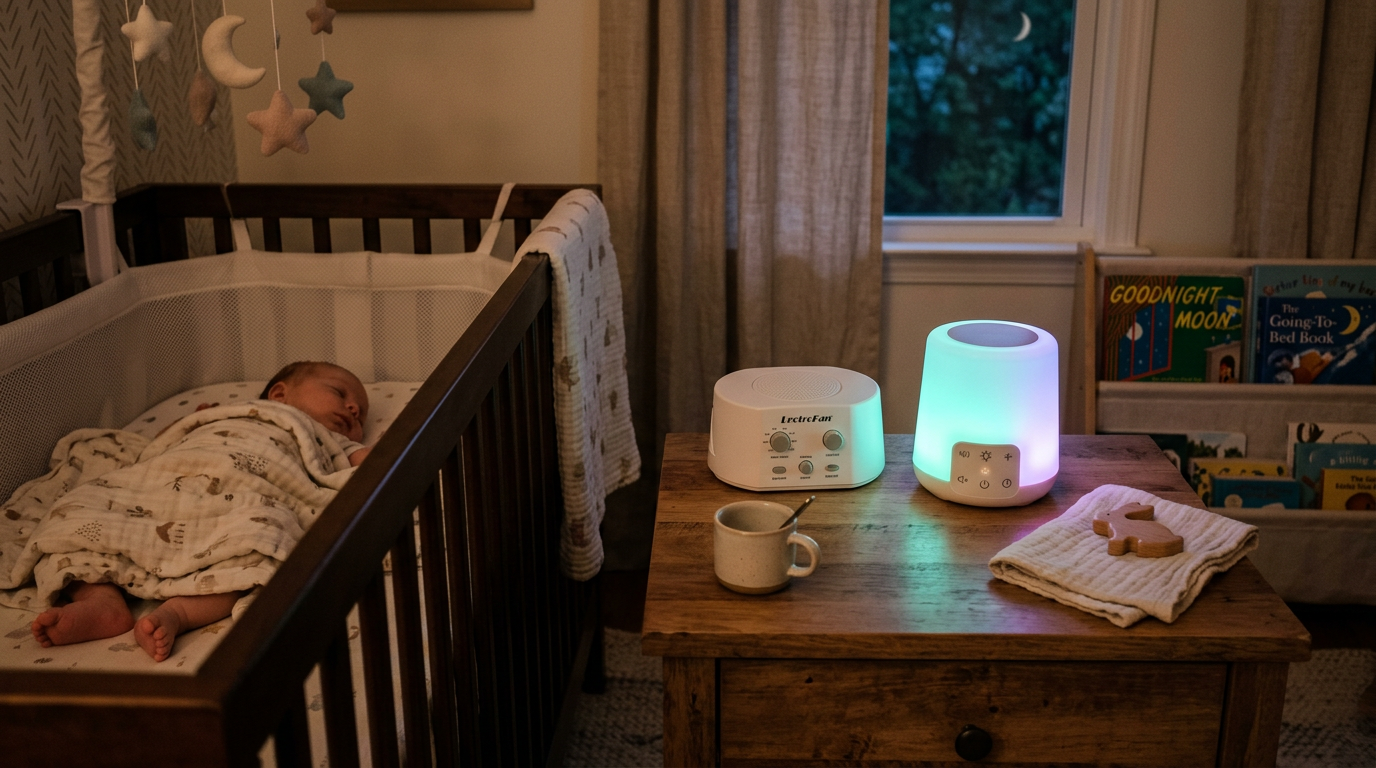
If you use a white noise machine in the nursery (and you should — see our sleep essentials guide), the monitor needs to filter through that background noise. Most modern monitors handle this well, but test it: turn on the sound machine and have someone talk at normal volume near the crib. Can you hear them clearly through the monitor?
Privacy and Security
Change default passwords
If your monitor has an app login, use a strong, unique password. Default passwords are easily found online and could allow strangers to access your camera feed.
Enable two-factor authentication
If the manufacturer offers it (Nanit does), enable two-factor authentication for your account.
Keep firmware updated
Manufacturers release security patches through firmware updates. Enable automatic updates or check manually every few months.
Consider non-WiFi for maximum privacy
If the idea of your baby monitor being connected to the internet concerns you, a non-WiFi monitor like the eufy SpaceView eliminates that risk entirely. No internet connection means no remote hacking possibility.
Night Vision Tips
Test before baby arrives
Set up the monitor and check the night vision quality in complete darkness. Can you see baby's chest rise and fall? Can you see their face clearly enough to tell if they're awake? If not, adjust the camera angle or position.
Infrared LED glow
Most night vision cameras emit a faint red glow from infrared LEDs. This is invisible to babies and won't disturb their sleep. If you see it and it bothers you, it's completely harmless.
Multiple Camera Setup
If you have more than one room to monitor (nursery plus playroom, or two children's rooms), many systems support multiple cameras on one parent unit or app. The eufy system supports up to four cameras, and most WiFi monitors let you add cameras to the same app account.
Split screen vs. camera switching
Some parent units show split-screen views of multiple cameras. Others let you switch between cameras. Split screen is more convenient but reduces the size of each video feed. Consider what matters more to you.
Troubleshooting Common Issues
Frequent disconnections
Usually a WiFi signal strength issue. Move your router closer, add a WiFi extender, or switch to a non-WiFi monitor.
Poor night vision
Check that nothing is reflecting the infrared light back at the camera (mirrors, shiny surfaces). Reposition the camera if needed.
False motion alerts
Adjust motion sensitivity in the app settings. Ceiling fans, curtain movement from HVAC, and changing light from windows can trigger false alerts.
The Bottom Line
Proper setup maximizes your monitor's effectiveness and keeps your baby safe. Wall-mount when possible, manage cords meticulously, and secure your WiFi connection. For our specific monitor recommendations, read our best baby monitors of 2025 roundup. The peace of mind a well-set-up monitor provides is worth every minute of installation effort.